Better Viewer Fluent Forms
v1.1.7A small, client-friendly WordPress admin interface for Fluent Forms submissions.
Screenshot
README
Better Viewer for Fluent Forms


Overview
Better Viewer for Fluent Forms replaces the busy Fluent Forms Entries screen with a focused area for people who simply need to review and process incoming enquiries.
It uses Fluent Forms as the source of truth. Submission responses are never copied to a separate table. The only additional data is a lightweight Fluent Forms submission-meta value that stores the client workflow status.
Features
- Clean top-level Enquiries admin menu with a responsive, readable table.
- Server-side pagination, search, date range filtering, and status filtering.
- Field-specific search, read/unread filters, and quick date periods.
- Native Fluent Forms read/unread tracking with an unread menu counter.
- CSV export of the current filtered results.
- Bulk read/unread and workflow status actions.
- Dashboard counters for total, unread, new, in-progress, and completed enquiries.
- One-click email, phone, and WhatsApp actions detected from submission data.
- Internal notes with author and timestamp.
- Admin email notifications for new enquiries from configured forms.
- Non-destructive duplicate-contact and multi-link spam warnings.
- Four simple workflow statuses: New, In progress, Completed, and Archived.
- A distraction-free submission detail screen with labelled sections.
- Optional inline submission details that expand below a clicked table row.
- All read and unread submissions are listed; only trashed entries are omitted.
- Clickable links for uploaded files and URL values.
- Support for multiple Fluent Forms, displayed as tabs.
- A visual field picker: choose fields, client-facing labels, list visibility, detail visibility, and sections—without writing JSON or PHP configuration.
- Field labels are copied from Fluent Forms automatically and remain editable.
- English base language and included Bulgarian (
bg_BG) translation. - Capability checks, Fluent Forms ACL checks, nonces for every AJAX request, sanitised input, and escaped output.
Requirements
- WordPress 6.0 or newer recommended
- PHP 7.4 or newer
- Fluent Forms installed and activated
Installation
From GitHub
Download the latest repository ZIP, or clone the repository:
git clone https://github.com/Open-WP-Club/better-viewer-fluent-forms.gitPlace the repository contents in a dedicated directory under
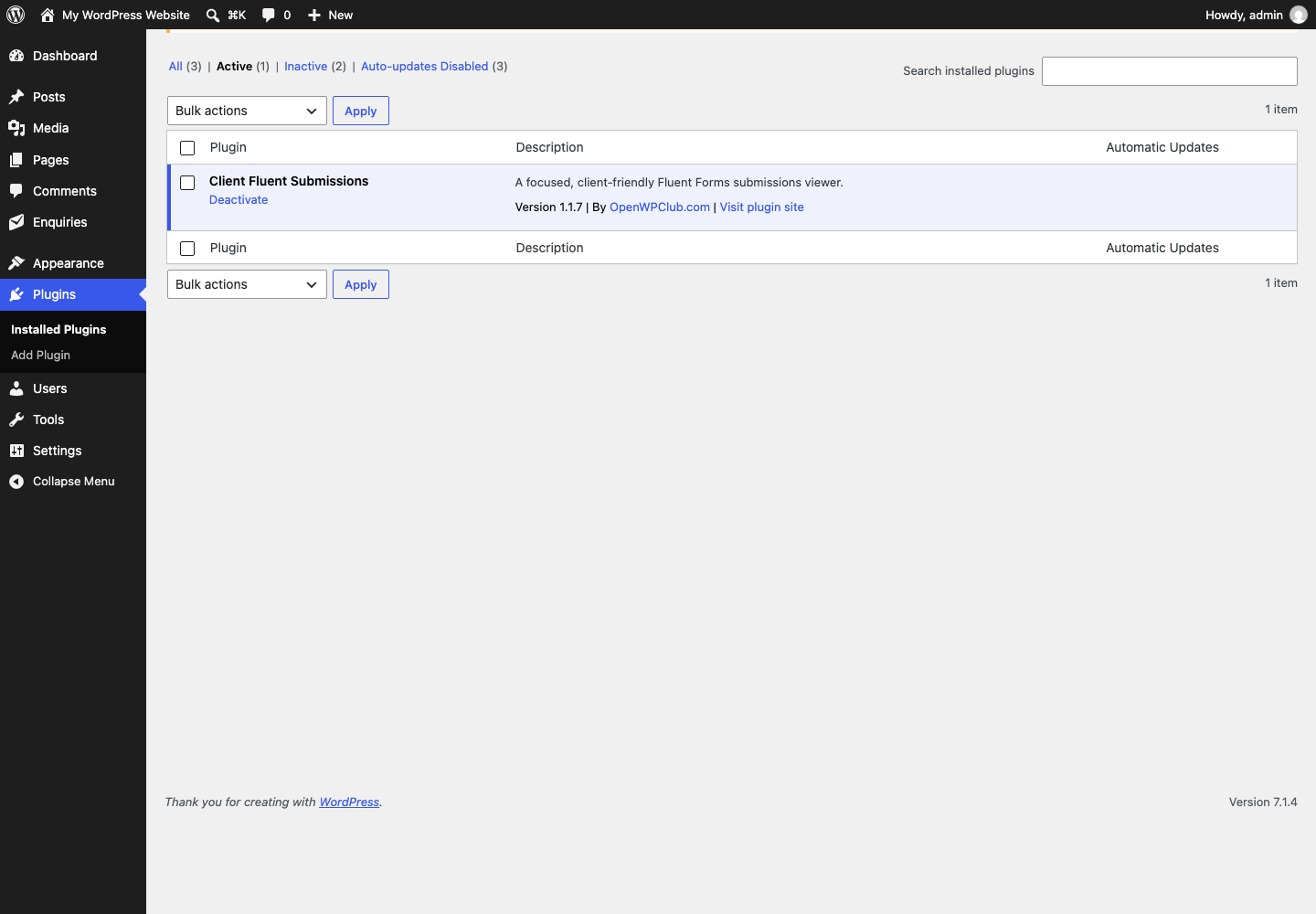
wp-content/plugins/, for example:wp-content/plugins/better-viewer-fluent-forms/Activate Client Fluent Submissions in Plugins → Installed Plugins.
Go to Enquiries → Settings and configure one or more Fluent Forms.
Configure a form
- Open Enquiries → Settings.
- Click Add form.
- Select one of the available Fluent Forms forms. Its fields load automatically.
- For each available field, set the client-facing label and select whether it should appear in the list and/or the detail view.
- Assign detail fields to sections, such as
Contact,Information, orMessage. - Optionally enable inline details so clicking a submission expands it inside the list.
- Save the settings.
The mapping is stored in the WordPress option cfs_forms_config. The screen builds the internal mapping automatically; no custom configuration file is needed.
Permissions
The plugin intentionally does not treat “administrator” as the only access rule. A user must have both the WordPress capability and the corresponding Fluent Forms permission for the selected form.
| Action | WordPress capability | Fluent Forms permission |
|---|---|---|
| View enquiries | cfs_view_submissions |
fluentform_entries_viewer |
| Update a status | cfs_manage_submissions |
fluentform_manage_entries |
| Change plugin settings | cfs_manage_submissions |
Form viewer permission when loading fields |
On activation, administrators receive the two WordPress capabilities. You can assign them to another role or user deliberately; Fluent Forms’ own per-form access restrictions still apply.
Data and statuses
Submissions remain in Fluent Forms. When a client status is changed, the plugin stores only this meta value against that submission:
_cfs_client_status = new | in_progress | completed | archived
Existing submissions without this meta value are treated as New.
Languages
The plugin’s source language is English. Bulgarian is bundled in languages/client-fluent-submissions-bg_BG.mo and loads automatically when the site language is Bulgarian (bg_BG).
Project structure
client-fluent-submissions.php  Plugin bootstrap
includes/
  admin-page.php               Admin pages, settings UI, AJAX endpoints
  config.php                   Configuration validation and persistence
  submissions.php              Fluent Forms models and status handling
assets/
  admin.css                    Admin styling
  admin.js                     Field picker and status interaction
languages/                     Translation files
Development notes
- The integration uses Fluent Forms’
Submission,SubmissionMeta,Form, andFormFieldsParserclasses rather than a duplicated submissions table. - The list uses page-sized queries plus a batch metadata lookup, avoiding an N+1 query pattern.
- Fluent Forms is checked before its classes are used. If it is unavailable, the plugin displays an admin notice instead of causing a fatal error.
Manual test checklist
- Activate Fluent Forms and this plugin.
- Configure a form through Enquiries → Settings.
- Open Enquiries and verify the configured table columns.
- Test name/email/phone search, status filter, date filters, and pagination.
- Open a submission and confirm that labels and sections are readable.
- Enable inline details, click a table row, and verify that the detail opens directly below it.
- Confirm that row checkboxes, links, and status buttons do not toggle the inline detail.
- Update each status and confirm that the status persists after refresh.
- Test with a user that has viewer access only, then a user with manage access.
- Change the WordPress site language to Bulgarian and verify the translated UI.
On this page
Details
- Version
- 1.1.7
- Last repository activity
- October 13, 2026
- Language
- PHP
- Stars
- 0
Compatibility
- WordPress minimum
- Not declared
- WordPress tested up to
- Not declared
- PHP minimum
- 7.4
Declared by the plugin in its source files. Missing information does not indicate compatibility.
WP-CLI
wp plugin install https://github.com/Open-WP-Club/better-viewer-fluent-forms/releases/download/1.1.7/client-fluent-submissions.zip --activateContributors

1 contributor
Plugin of the Month
November 2026
Rank Math Automation WPOptimize WooCommerce products for SEO using RankMath
Open-source supporters
These companies help keep our plugins free and maintained.
Meet our supporters →
Sponsor us
Our software is free forever. Sponsorships help us maintain all our plugins and build new tools for the WordPress ecosystem.
Become a SponsorContact us about sponsoring