Local Pickup WooCommerce
v1.2.0A WooCommerce extension for zone-aware store pickup locations with individual prices. It is built specifically for the modern Cart and Checkout Blocks.
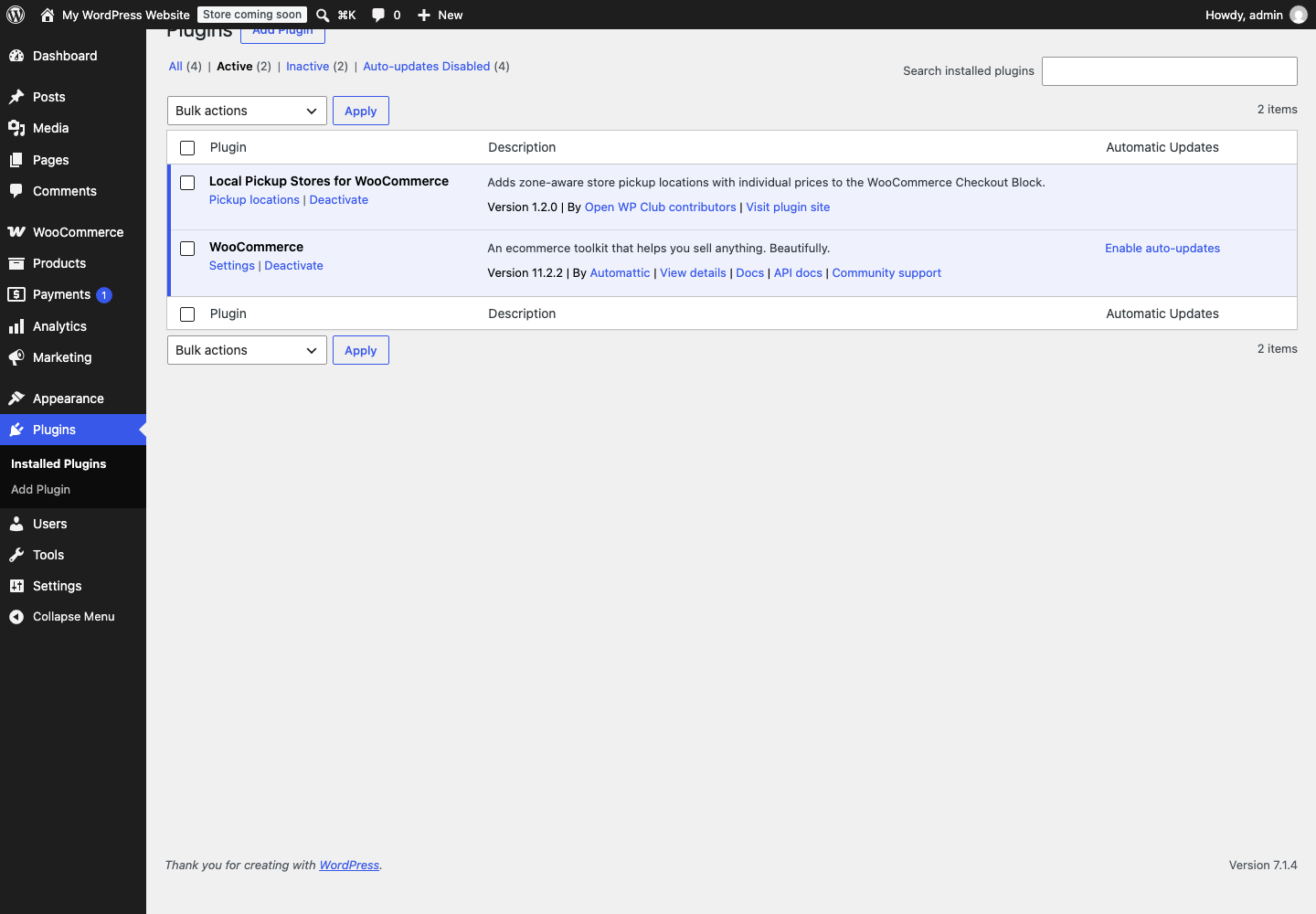
Screenshot
README
Local Pickup Stores for WooCommerce
A WooCommerce extension for zone-aware store pickup locations with individual prices. It is built specifically for the modern Cart and Checkout Blocks.
Features
- Manage pickup locations under WooCommerce → Pickup locations.
- Set an address, phone, opening hours, price, tax status, and active status per location.
- Add Store pickup to any WooCommerce shipping zone.
- Limit each shipping-zone instance to selected locations, or leave it empty to use all active locations.
- Choose a default pickup location for each shipping-zone instance.
- Show a Store pickup option with a store dropdown underneath when selected; hide the dropdown when another method is selected.
- Use WooCommerce-native shipping rates so free/paid pickup, taxes, and checkout totals remain accurate.
- Validate the selected location server-side before the order is placed.
- Show a snapshot of the selected location in order admin, emails, My Account, and the thank-you page.
- Open the selected pickup address directly in Google Maps.
- English source strings and a bundled Bulgarian (
bg_BG) translation. - Compatible with WooCommerce HPOS.
- Keeps WooCommerce's Checkout Block pickup UI enabled while the plugin is active.
Installation
- Copy this directory to
wp-content/plugins/local-pickup-woocommerceor upload it as a ZIP from WordPress admin. - Activate Local Pickup Stores for WooCommerce.
- Add and publish at least one location at WooCommerce → Pickup locations.
- Go to WooCommerce → Settings → Shipping → Shipping zones.
- Edit a zone, add Store pickup, and optionally restrict its available locations.
- Ensure the checkout page uses the WooCommerce Checkout Block.
Requirements
- WordPress 6.5+
- WooCommerce 9.0+
- PHP 7.4+
- The block-based checkout (the classic checkout shortcode is intentionally not supported)
License
Development checks
composer install
composer test
composer lint:php
npm ci
npm test
find . -path ./vendor -prune -o -name '*.php' -print0 | xargs -0 -n1 php -l
node --check assets/js/checkout.js
PHP tests exercise the real plugin classes with small WordPress/WooCommerce doubles: location filtering and saving, permissions and nonces, address validation, duplication, reordering, shipping rates and availability, order validation and snapshots, tax addresses, emails, output escaping, checkout assets, and version consistency. JavaScript tests use jsdom to check method switching, store selection, localization, and checkout DOM refreshes. These tests do not replace a checkout test in a running WordPress/WooCommerce store.
Releases
Update only Version: in the header of local-pickup-stores.php. The runtime
LPS_VERSION constant and asset cache versions are read from that header automatically.
The private npm test tooling has no separate version to maintain.
Create the GitHub release with the same version as its tag (an optional v prefix is
accepted). The release workflow verifies that the tag matches the plugin header.
On this page
Details
- Version
- 1.2.0
- Last repository activity
- October 13, 2026
- License
- Apache-2.0
- Language
- PHP
- Stars
- 1
Compatibility
- WordPress minimum
- 6.5
- WordPress tested up to
- Not declared
- PHP minimum
- 7.4
- WooCommerce minimum
- 9.0
- WooCommerce tested up to
- 11.0
Declared by the plugin in its source files. Missing information does not indicate compatibility.
WP-CLI
wp plugin install https://github.com/Open-WP-Club/local-pickup-woocommerce/releases/download/1.2.0/local-pickup-woocommerce.zip --activateContributors

1 contributor
Plugin of the Month
November 2026
Rank Math Automation WPOptimize WooCommerce products for SEO using RankMath
Open-source supporters
These companies help keep our plugins free and maintained.
Meet our supporters →
Sponsor us
Our software is free forever. Sponsorships help us maintain all our plugins and build new tools for the WordPress ecosystem.
Become a SponsorContact us about sponsoringExplore
Related Plugins
Bulk Order Editor
Bulk Order Editor for WooCommerce allows store managers to quickly modify multiple orders at once, directly from the WordPress admin panel.
Product Health Check WooCommerce
A WordPress plugin that scans your WooCommerce products for common data issues and displays them in a clean admin dashboard.
Google Scholar WP
A WordPress plugin that allows you to display your Google Scholar profile information on your website using a simple shortcode.