Order Printing WooCommerce
v1.3.0Print WooCommerce orders as clean A4 PDF documents directly from the admin panel.
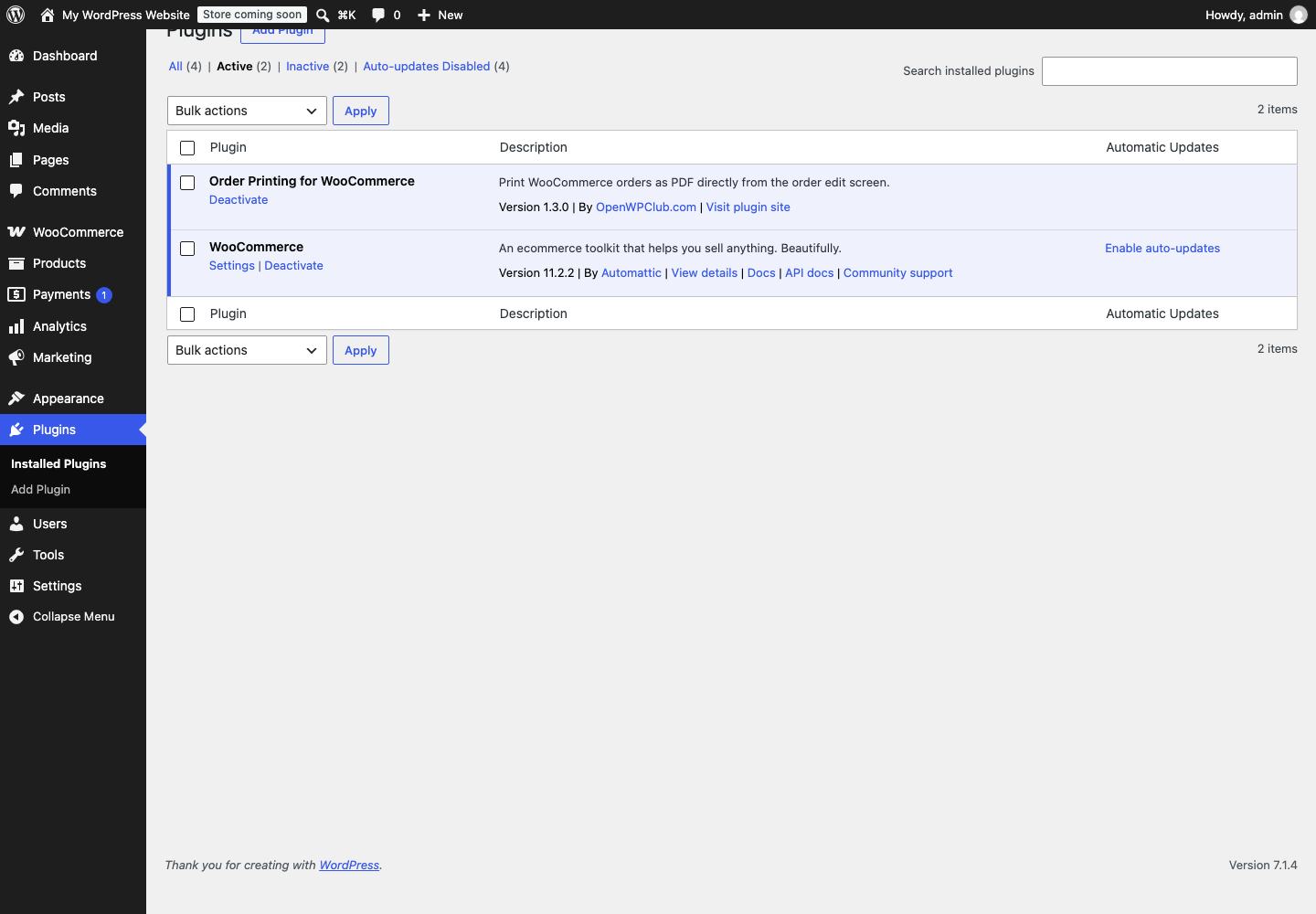
Screenshot
README
Order Printing for WooCommerce
Print WooCommerce orders as clean A4 PDF documents directly from the admin panel.
Features
- One-click PDF generation from the order edit screen and orders list
- Clean, minimal A4 layout with company branding, addresses, line items, and totals
- Displays site logo (from Customizer) when available, falls back to site name
- HPOS (High-Performance Order Storage) compatible
- Bulgarian translation included
Requirements
- WordPress 6.0+
- WooCommerce 7.0+
- PHP 7.4+
Installation
- Download the latest release zip from Releases
- Go to Plugins > Add New > Upload Plugin and upload the zip
- Activate the plugin
From source
git clone https://github.com/Open-WP-Club/order-printing-woocommerce.git
cd order-printing-woocommerce
composer install --no-dev
Usage
- Order edit screen: Use the "Print Order" meta box and click "Download PDF"
- Orders list: Select "Print PDF" from the row actions or bulk actions
License
GPL-2.0-or-later
On this page
Details
- Version
- 1.3.0
- Last repository activity
- October 13, 2026
- License
- Apache-2.0
- Language
- PHP
- Stars
- 0
Compatibility
- WordPress minimum
- 6.0
- WordPress tested up to
- Not declared
- PHP minimum
- 8.2
- WooCommerce minimum
- 7.0
- WooCommerce tested up to
- 9.6
Declared by the plugin in its source files. Missing information does not indicate compatibility.
WP-CLI
wp plugin install https://github.com/Open-WP-Club/order-printing-woocommerce/releases/download/1.3.0/order-printing-woocommerce-1.3.0.zip --activateContributors

1 contributor
Plugin of the Month
November 2026
Rank Math Automation WPOptimize WooCommerce products for SEO using RankMath
1
Open-source supporters
These companies help keep our plugins free and maintained.
Meet our supporters →
Sponsor us
Our software is free forever. Sponsorships help us maintain all our plugins and build new tools for the WordPress ecosystem.
Become a SponsorContact us about sponsoring